


Your brand
Your name on everything.
Every page, email and link your client sees has your studio’s name and logo on it. Your form, your price guide, your contract.

bckendIQ is one app that runs a photo or video studio. Your clients ask, book, sign, pay, and get their photos and films. Your crew pick up shoots, clock in, and get paid right. All under your studio's name.
The problem
One app to track clients. A form app. A signing app for contracts. An invoicing app for deposits. A gallery host for delivery. A group chat for the crew. A spreadsheet for who's owed what. None of them talk to each other. You're the one holding it all together.
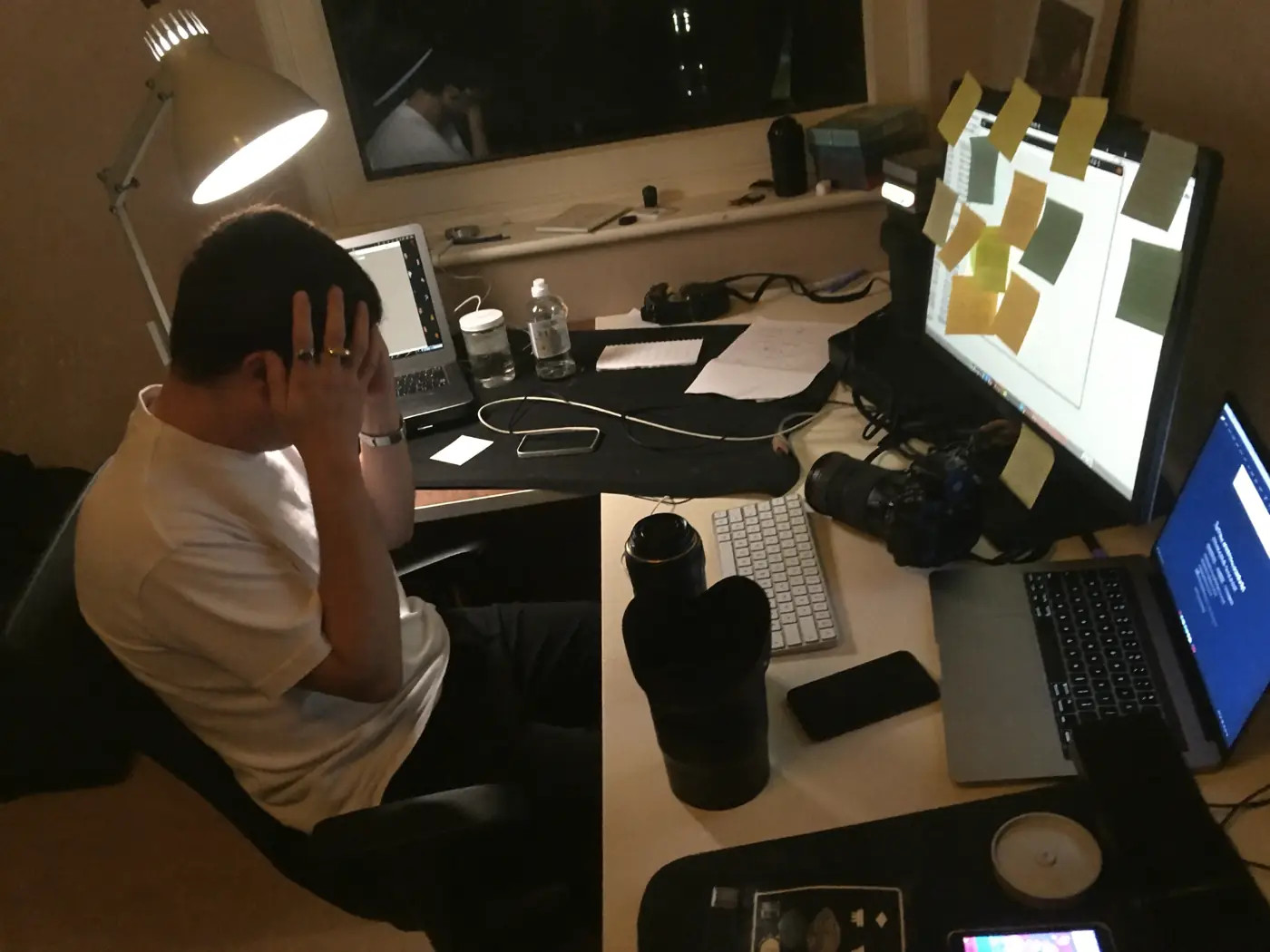
How a job runs in bckendIQ
Six moments from one Saturday wedding, and the one app that ran them all. One record follows the job the whole way. Nothing is typed twice.
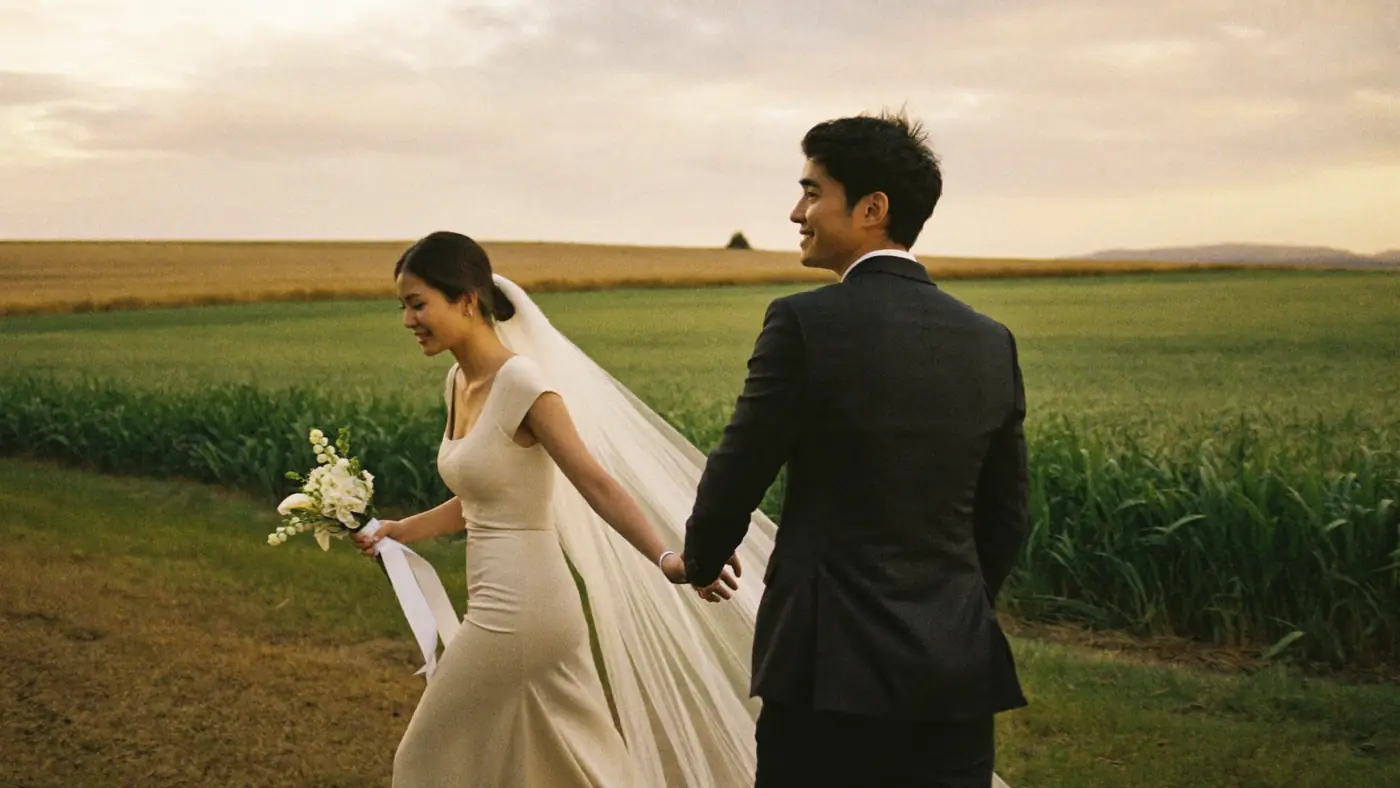

Northlight Studio · booking form · their logo, their colours
March · They ask
Maya fills in the form on the studio’s own page, next to its price guide. She signs the contract and pays the deposit on the same page. Every page and email puts the studio’s name and logo first.
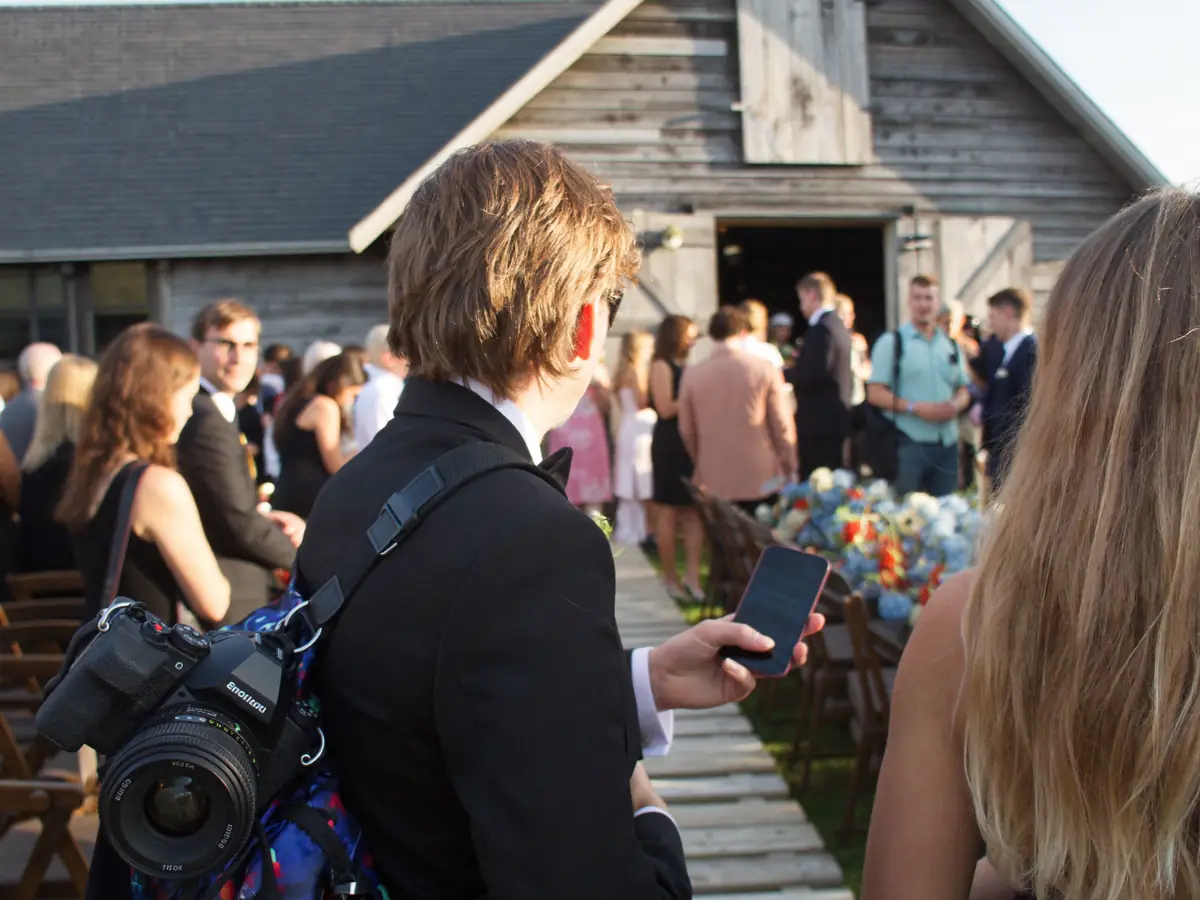
Sam clocked in · 14:02 · The Old Barn
Saturday 14:02 · The crew arrive
The shoot opened with spots for crew. Sam took one, read the brief on his phone, and clocked in from the venue. Freelance crew are free on every plan.
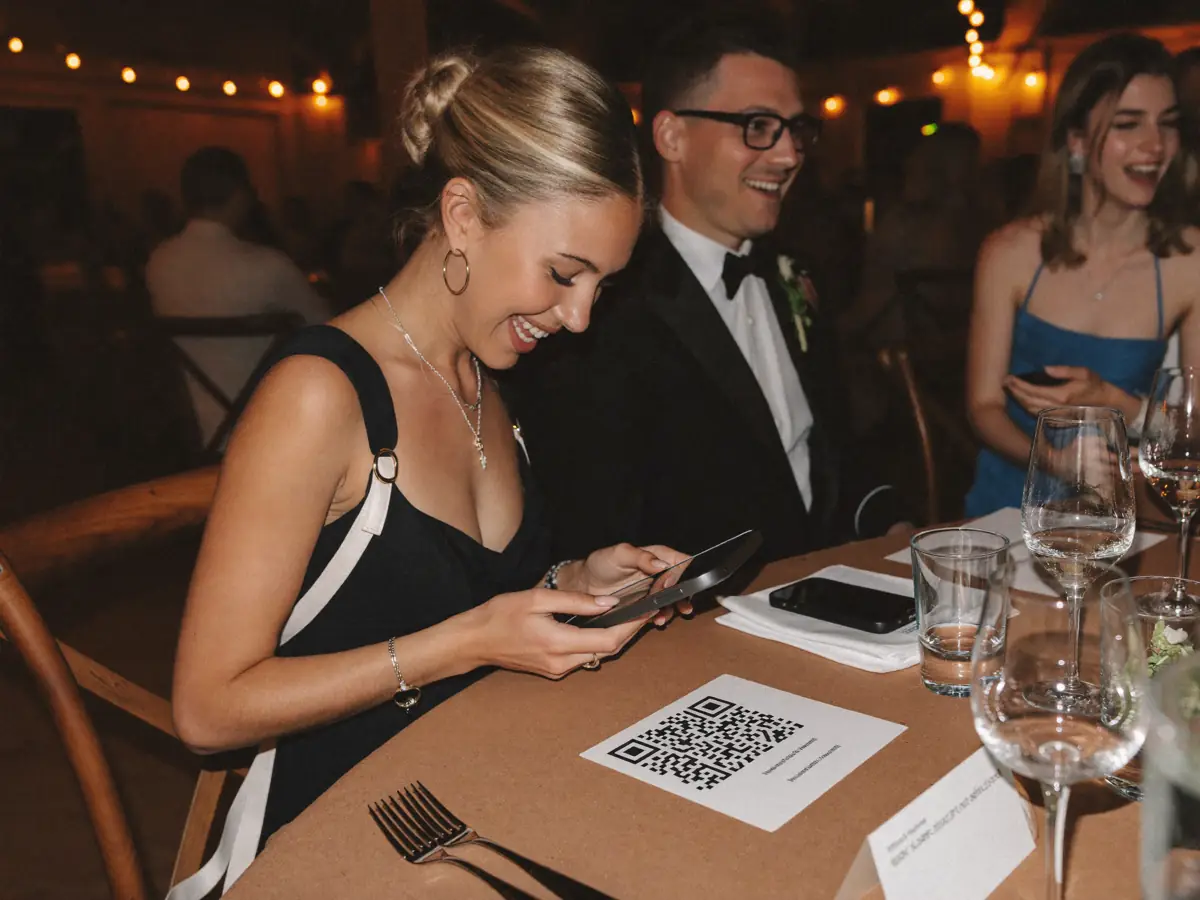
+212 guest photos · shown after you check them
Saturday 21:40 · The guests join in
A card on every table. Guests scan it and upload the photos and clips on their phones. The studio decides if they show right away, or after a check.
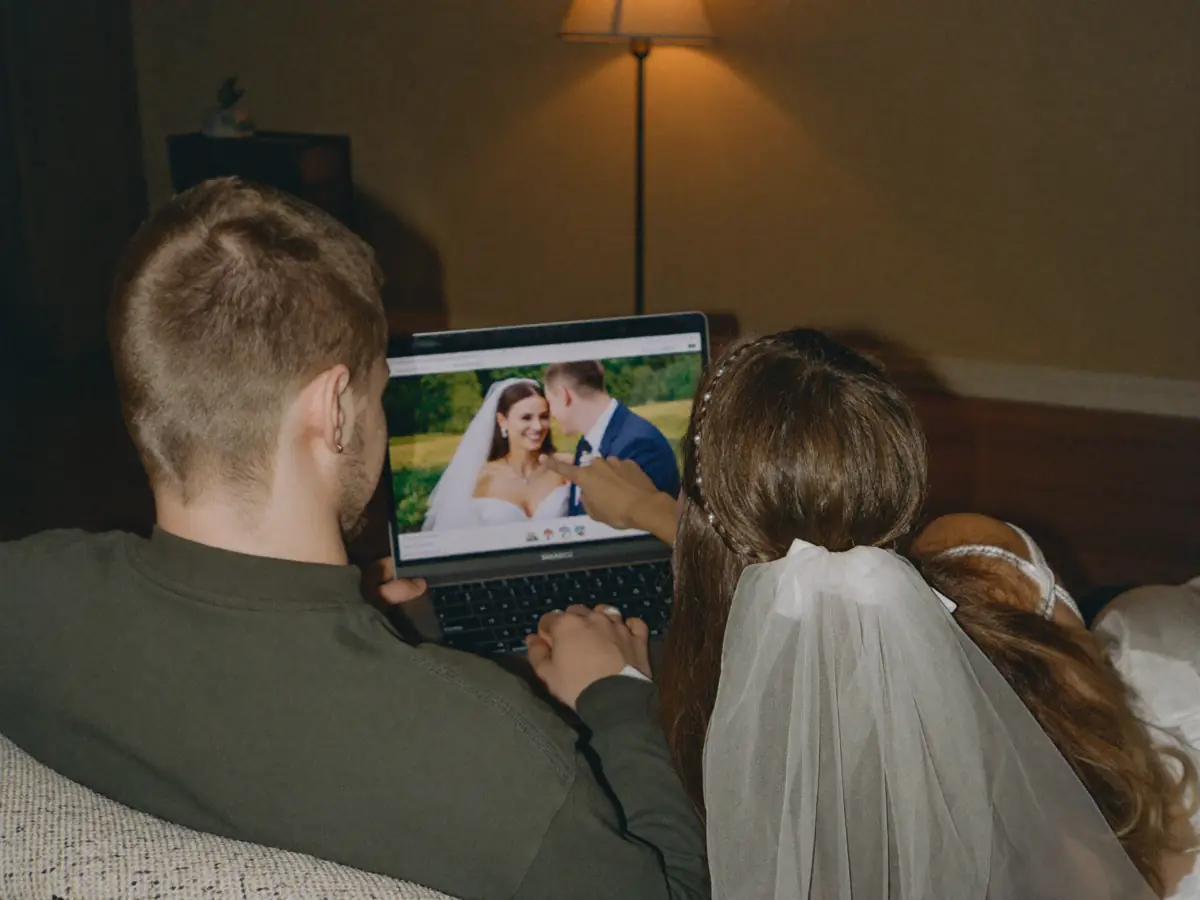
Note at 0:42 · “can we keep the song from the aisle?”
Three weeks later · They watch the film
They pick favourites and write notes on the exact photo, or the exact second of the film. The editor uploads a new version. The old notes stay on the old version, so nothing gets mixed up.

Payslip · 8.0 h · $480.00
Friday · Everyone is paid
The hours he clocked turn into an exact amount and a payslip. The studio sees what the wedding made and what it cost.

One link · every shoot, every film
Years later · They keep it
Every gallery and film a client has ever had from the studio lives behind the same link. They never make an account.
For your team
See the work as a timeline, a list, a status board or step by step. Everyone knows what is theirs, what is late, and what the client said.
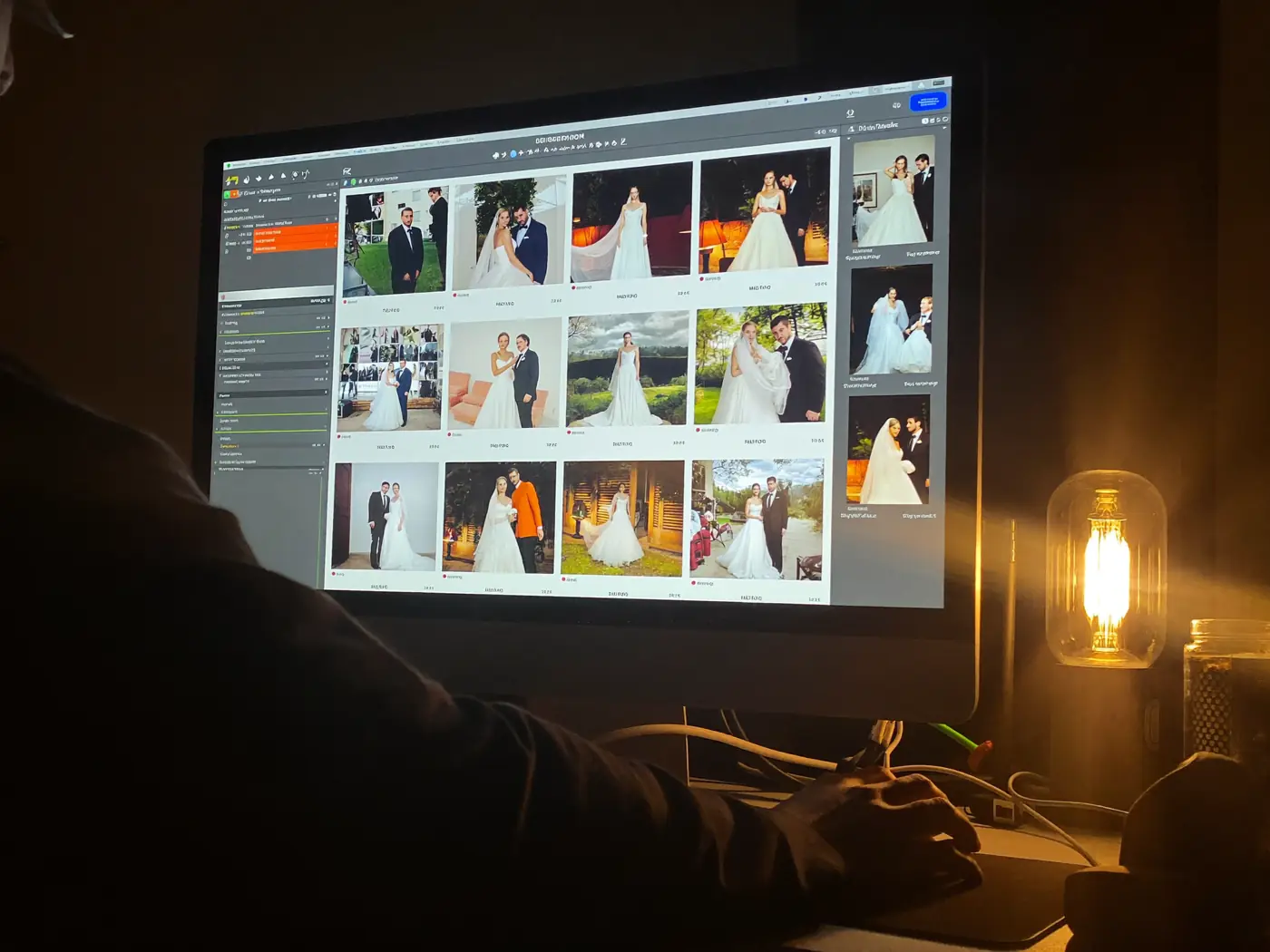
Ben · Maya & Leo film, version 2 · 3 notes to fix
When a client books, the job lands on your editor’s timeline with the wedding date on it. Each photo set and film becomes its own task.
Each editor’s row shows the hours booked each day, where they have room, and when they go past eight.
Put more than one person on a task: an owner, editors and a reviewer. Set what has to finish first, and see what is holding up the delivery.
To Do, In Progress, In Review, In-House Approval, Client Approval, Approved, Done. Move a card to Client Approval and the client is asked to approve.
A client’s note on a photo, or at 0:42 of a film, goes to the editor on that job. It opens on that exact frame.
Every job and every stage has its own thread. Tag a teammate and their phone tells them.
What makes it different
Your brand
Every page, email and link your client sees has your studio’s name and logo on it. Your form, your price guide, your contract.
One link
Every shoot, gallery and film you have made for a client sits behind one link. They never make an account.
Guests
A QR code on the tables. Guests upload their own photos and clips, and you decide when they show.
Video
Films play at the quality each viewer’s internet can handle. Clients leave a note at the exact second.
Changes
Your client pins a note. Your editor uploads a new version. The old notes stay on the old one.
Favourites
The first heart asks for an email and a code. You see each person’s picks, even if they never press Send.
Planning
When a client signs, each thing they bought becomes a task. Photos go to a photo editor, films to a video editor.
Lightroom
One click gathers the picked frames from your own RAW files into a collection, tagged “Client pick”. No more pasting a list of file names.
Crew
Crew claim a spot and clock in at the venue. Pay is worked out to the cent, with a payslip.
Downloads
Turn the watermark on or off for each gallery. Choose the download size. The whole gallery can be one download.
Everything else
Each of these is usually its own app with its own bill. In bckendIQ they are already there. And they already know about each other.
Contracts
Write them with AI, or bring in your own. Clients sign on the same page as the deposit.
Instead of a signing app
Payments
Deposits and part payments by card, Apple Pay or bank transfer. The money goes to your own Stripe account.
Instead of an invoicing app
Booking calls
Booking links check your Google, Microsoft or iCloud calendar. A Zoom or Google Meet link is added for you.
Instead of a calendar app
Forms
Send questions before the shoot. The answers go straight onto the client’s record.
Instead of a form app
Reminders
Six automatic nudges: contracts, deposits, part payments, picks, approvals and galleries about to close.
Instead of chasing by hand
Email marketing
Send to your list, or set up an email series that goes out on its own. Pause or stop it at any time.
Instead of an email tool
Money
Every payment in one place, month by month, and the invoices you sent that nobody has paid yet.
Instead of a spreadsheet
On your phone
Install it to your home screen. Your phone tells you when picks are sent, a film is approved, or changes are asked for.
Instead of a laptop in the car
Tell the AI about your studio. It sets up your services and packages. It writes first drafts of quotes, contracts, emails and project plans. You can change every word. Nothing goes out without your say-so.
Who it's for
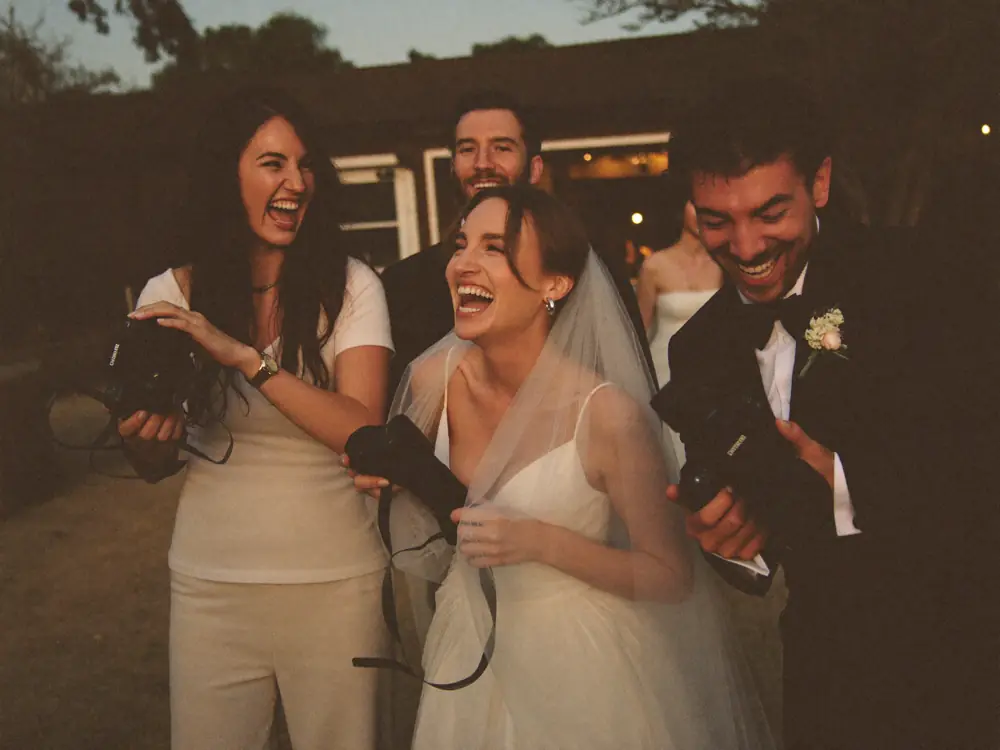
Wedding studioswith second shooters

Video companieswith freelance crews
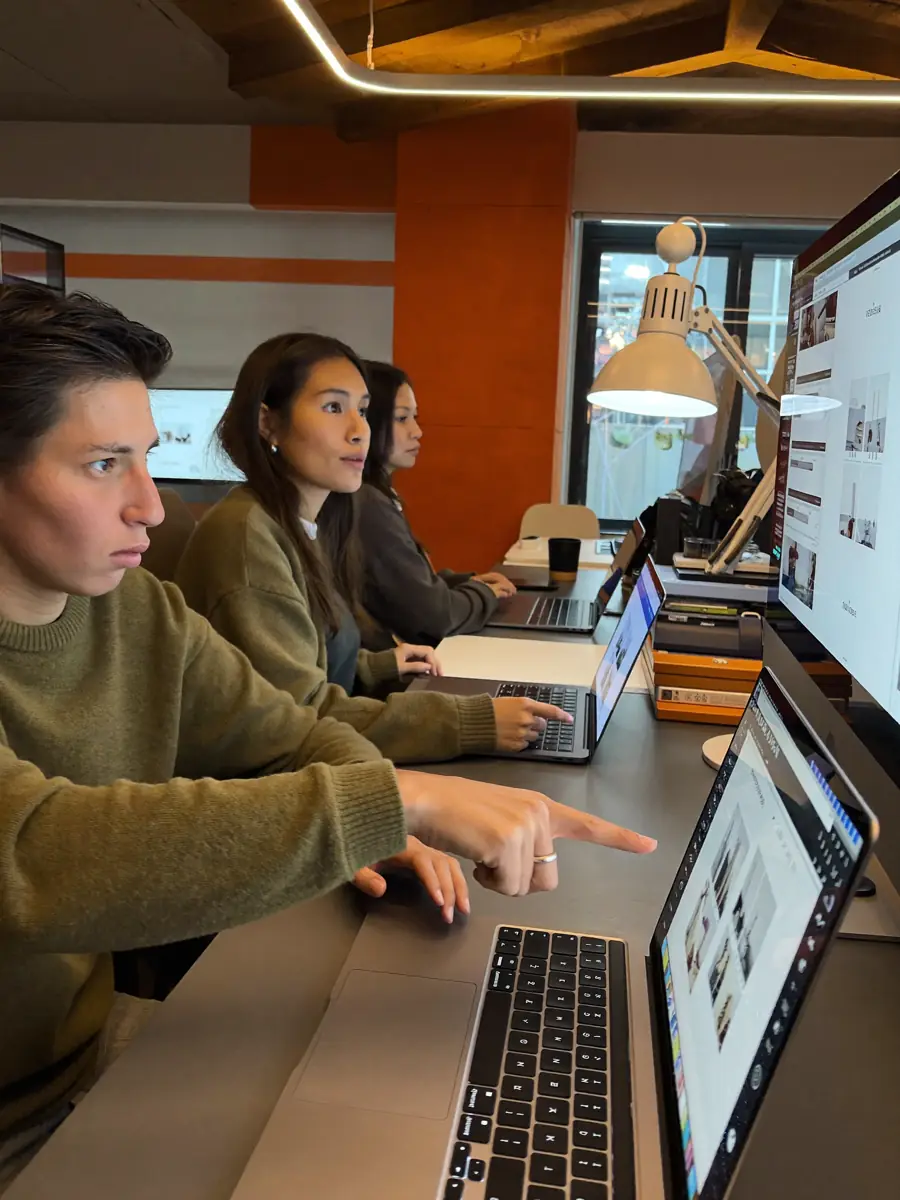
Content studioswith a team of editors

Portrait studioswith part-time shooters
And studios run by one person who wants the client side done properly.
On the way
Guests take one selfie and see every photo they are in, right from the gallery.
Plan your posts, set a time, and post your work to social media without leaving bckendIQ.
Pricing
Studio
$39/month
3 team members · 250GB storage
Studio Pro
$69/month
5 team members · 500GB storage
Free through October 31, 2026. Paid plans start November 1, 2026. Freelance crew are free on both plans. We take 0% of what your clients pay you.
See pricing detailsFAQ
bckendIQ is one app that runs a photo or video studio. Your clients use it to ask about a shoot, book it, sign and pay. Then they get their photos and films there too. Your crew use it to claim shoots, clock in on the day, and get paid the right amount. One record follows each job from the first message to the last payslip. So nothing is typed twice.
Photo and video studios that book their own clients and bring in other people to do the work. Wedding studios with second shooters. Video companies with freelance crews. Content studios with a team of editors. Portrait studios with part-time shooters. If you work alone, the client side works just the same for you.
Your name and your logo, on every page, email and link. Your client never makes an account. They get one link. It holds every shoot, gallery and film they have ever had from you. They sign and pay from their phone. Before they sign or pay, we email them a six-digit code. So if someone forwards the link, that person can look but cannot sign or pay.
No. You connect your own Stripe account. Card and Apple Pay payments go straight into it. bckendIQ never holds your clients’ money and takes 0% of it. Stripe still charges its normal fee. Clients can also pay by bank transfer, or any other way you list. You tick those off when the money arrives. Deposits and pay-in-parts plans are built in.
It works out what each person is owed and makes a payslip. It does not send the money. The amount comes from the hours they really worked and your review. The app locks the number so it cannot change. Then you pay them the way you already do, like a bank transfer or PayPal, and mark it paid. Sending the money from inside the app is planned. It is not built yet.
Each shoot has open spots, by job and by how many people you need. Your crew claim the dates they can work. On the day, they clock in and out for each part of the shoot. The app checks their hours against the hours you planned. If someone worked extra, you say yes or no, and why. Their pay comes from the hours you agreed, not from memory or a spreadsheet.
Yes. A gallery can have its own QR code. Guests scan it and upload their photos and clips. You choose if those show right away, or only after you have checked them. Finding your own photos with a selfie is coming soon.
Upload the master file, up to 50GB each. Your client watches a copy that fits their internet speed, from 360p to 1080p. They can write a note at the exact second. They can approve right from the player. A note on one version stays with that version. When they download, they get the master.
No. AI writes first drafts of quotes, contracts, emails and project plans. It can also set up your services and packages from a few sentences about your studio. You can change every word. Quotes, contracts and invoices only go out when you press send. Marketing emails wait for your okay, unless you switch on autopilot and let them go out on their own.
Yes. New staff get their first-day papers to sign in the app. Each week, a person scores their own work against the targets for their job. Their manager checks it. There are 1-on-1 meetings and goals. Each month, payroll runs and everyone gets a payslip. You choose who can see what, section by section. So the money screens stay with the people you pick.
HoneyBook is built around the client. bckendIQ does that same job: people ask, you quote, they sign, they pay. Then it adds the two other halves a studio with a team needs. Delivery: galleries, video that streams, and clients who approve on the photo itself. And crew: who works each shoot, who clocked in, and what each person is owed.
Your studio’s data is kept apart from every other studio’s. That rule runs on our computers, not just on your screen. So nobody else can see your stuff, even if they guess a link. Data is scrambled while it travels. Signing in is done the safe, modern way. We back everything up on a schedule. The security page has the full list.
Studio is $39 a month for 3 team members and 250GB of storage; Studio Pro is $69 for 5 team members and 500GB. Pay for a year and two months are free. Freelance crew never count as team members. You can add more storage to either plan. bckendIQ is free to use through October 31, 2026; paid plans start November 1, 2026, and the first charge is on November 30, 2026. Studios already on bckendIQ keep Founder pricing — $36 a month on Studio, $60 on Studio Pro. We take 0% of the payments your clients make you, because you connect your own Stripe account. You do not need a card to sign up. Nothing is ever charged on its own.
A few minutes. Tell the setup helper about your studio in a few sentences. It drafts your services, packages and branding. You check them and change what you like. Add your logo. Connect your Stripe account. Then send your first booking link.
Yes. bckendIQ is open now. Make your account and start today. It is free to use through October 31, 2026. Paid plans start November 1, 2026, from $39 a month. Studios already on bckendIQ keep Founder pricing for as long as they stay.

Set up your studio in minutes and invite your team. Free through October 31, 2026. No credit card needed.
Rather talk it through first? Book an onboarding call.